Your everyday groceries, from a nearby store to your door.
Aswaqi connects the customer, store, and driver in one clear journey—bilingual search, customer-controlled substitutions, secure payment, and tracking through delivery.
The order journey does not depend on a phone call or guesswork. Each participant sees what they need and acts from their own interface.
The customer chooses
A nearby store, real products, and an address inside the delivery zone.
The store prepares
Clear acceptance, product preparation, and a substitution proposal when needed.
The driver delivers
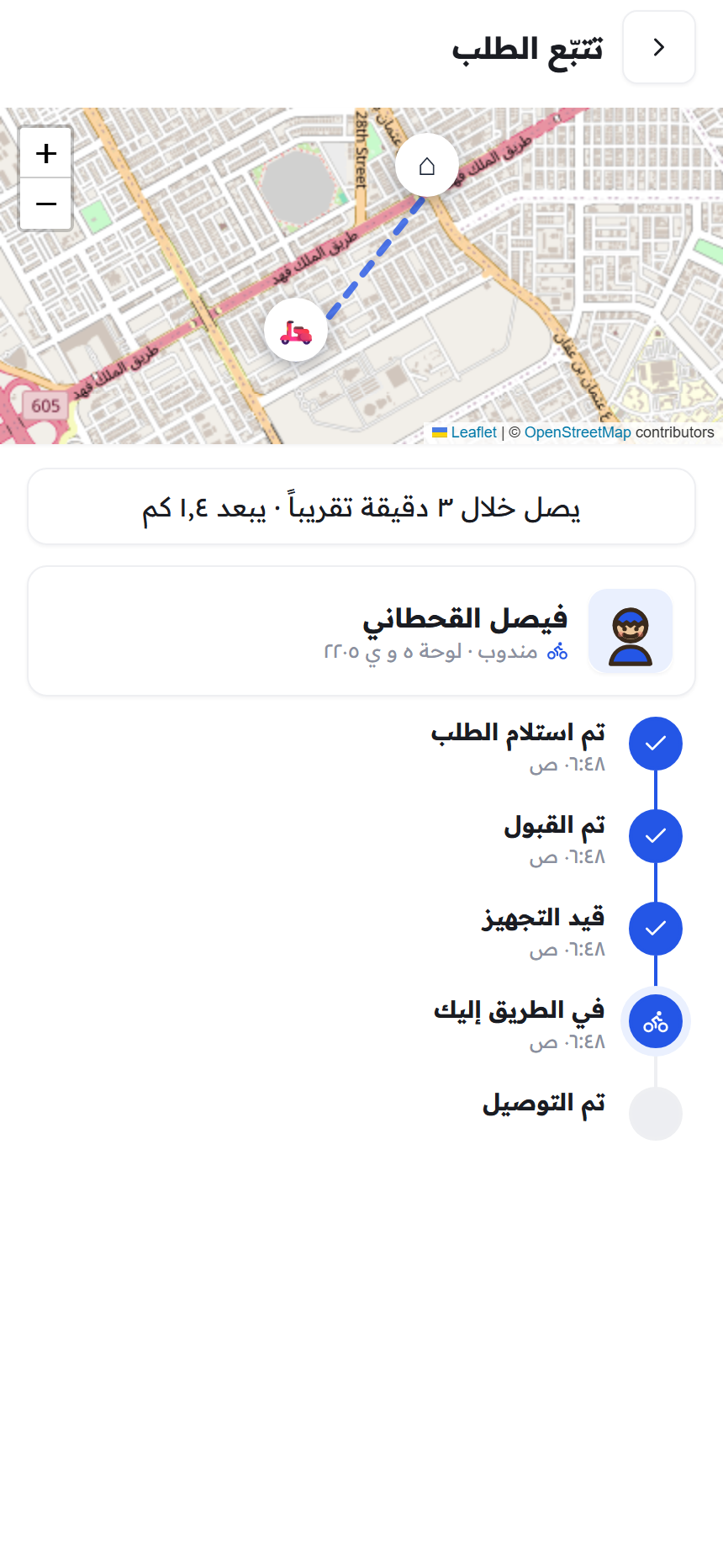
Verified pickup, navigation, masked calling, and a delivery PIN.
The order is completed
Quantity reconciliation, receipt, rating, and order-linked support.
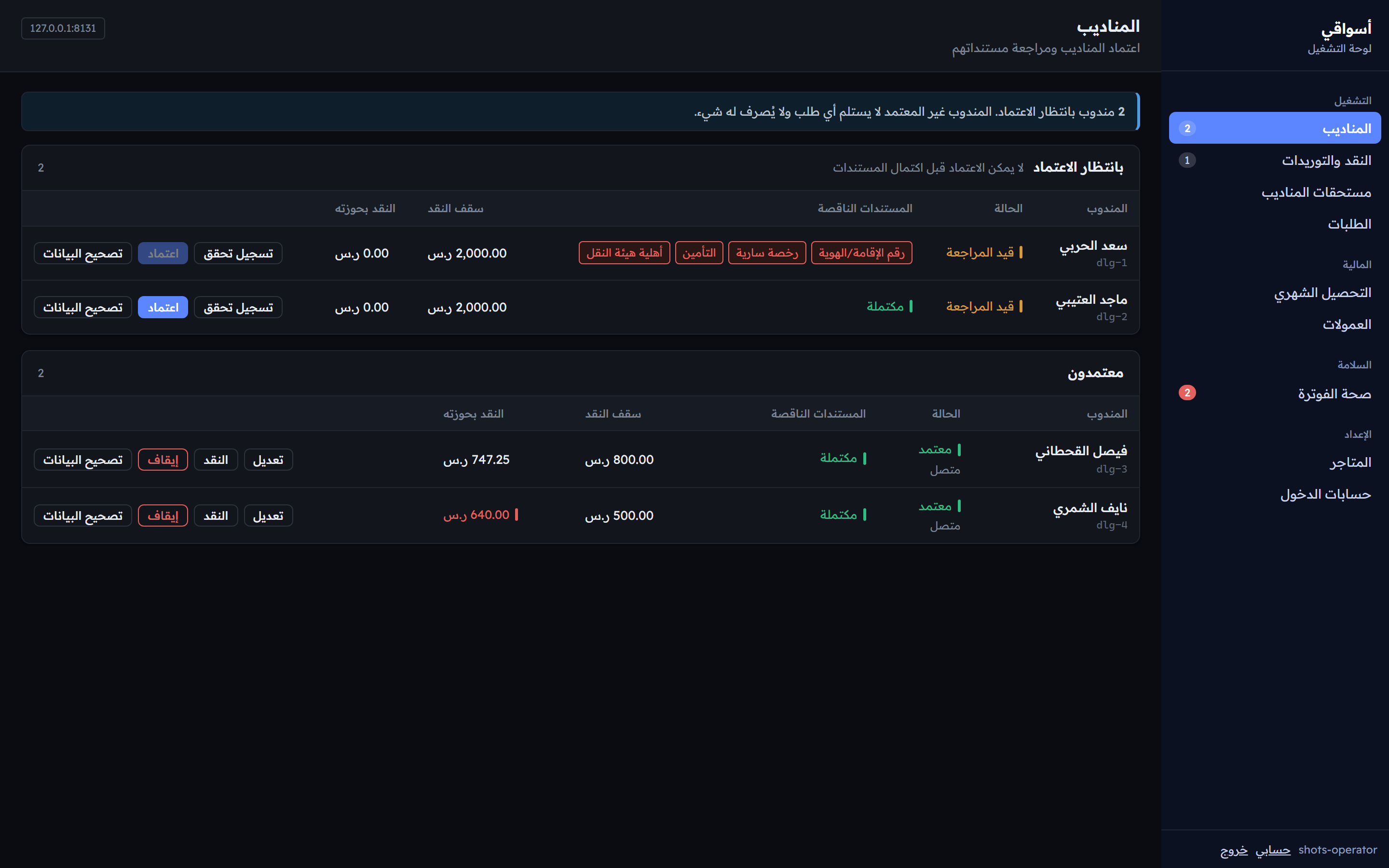
Aswaqi interfaces
Designed for the people who actually use it.
A calm customer experience, fast driver controls, and focused operational information for stores and the Aswaqi team.
Customer app
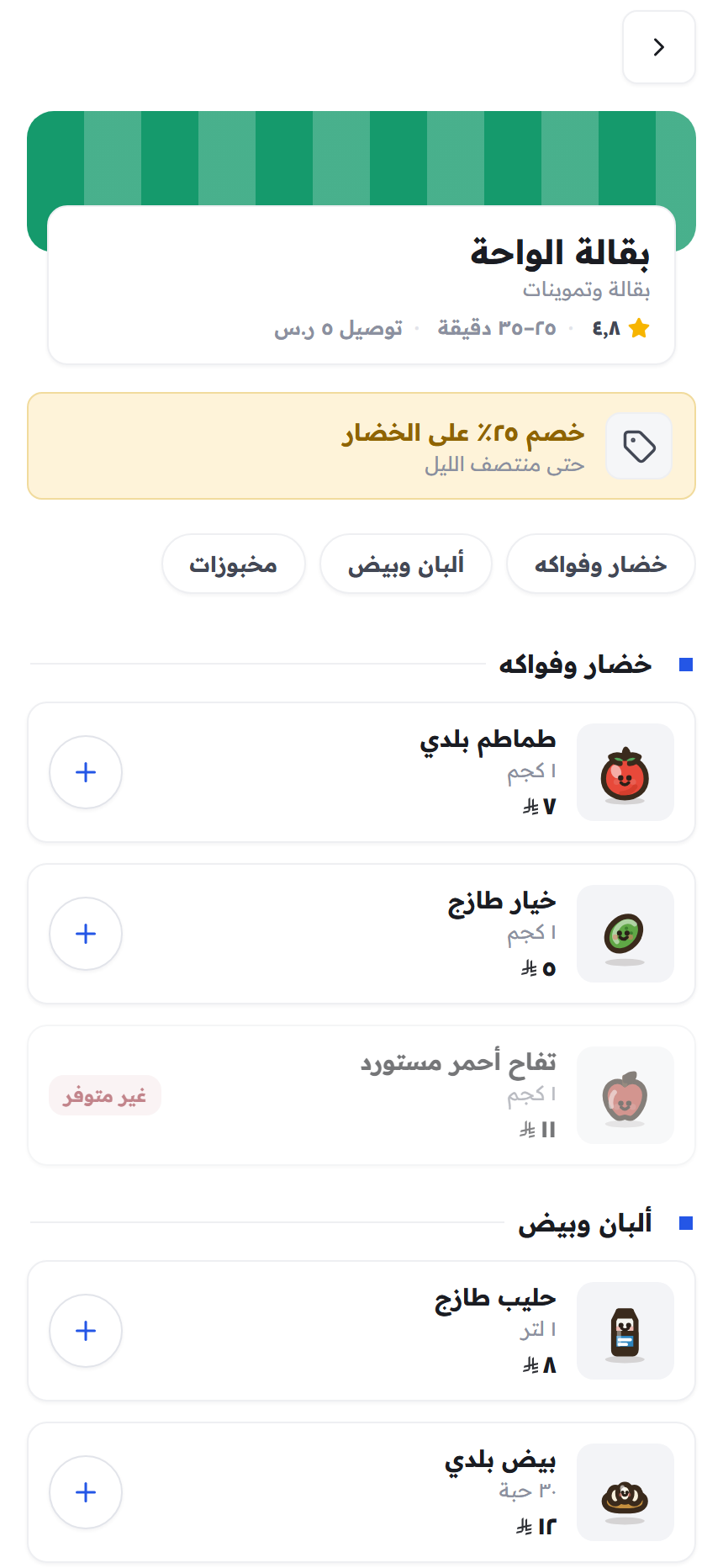
Start with your location, then see what is actually available.
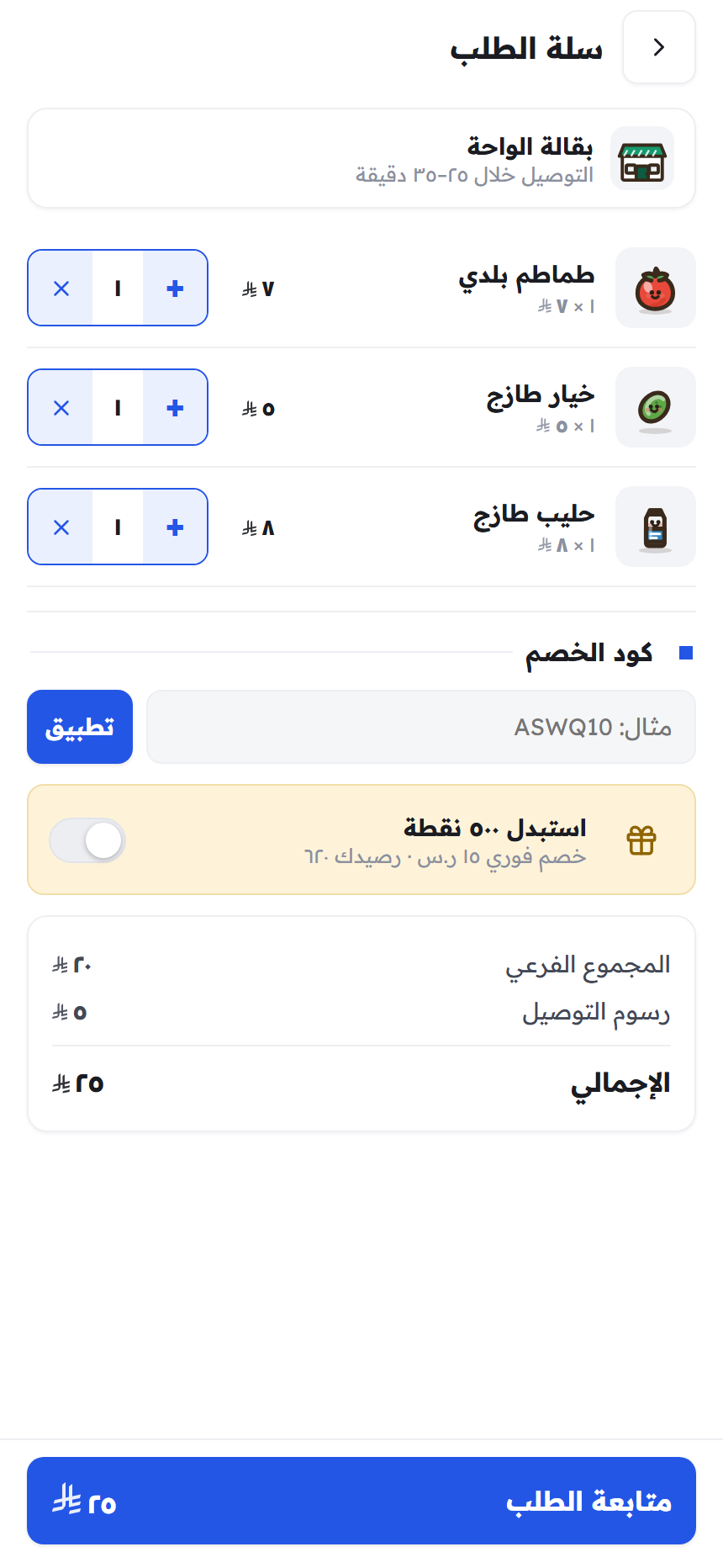
The customer chooses a Riyadh address first, then browses stores and products that can actually be delivered there in their preferred language.
Search and filters in Arabic and English
A separate substitution preference for every product
COD, Mada, and cards once the payment provider is enabled
Android · internal testing
Driver app
The next step is always clear.
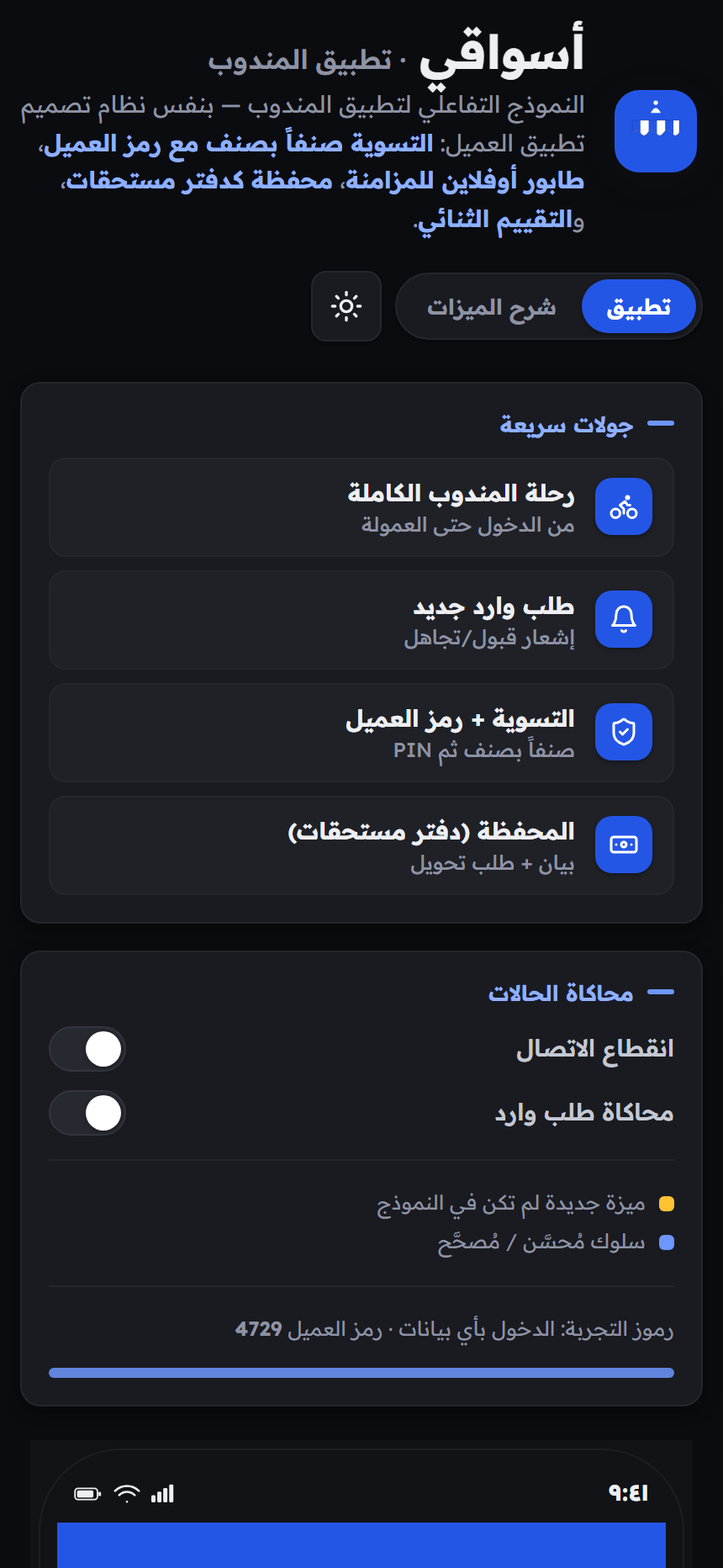
Delivery offers show distance, earnings, and cash exposure before acceptance. After that, the app guides the driver from store pickup through delivery.
Pickup checklist and product reconciliation
Actions stay queued locally when the network is weak
Cash wallet, remittance history, and earnings
Android · internal testing
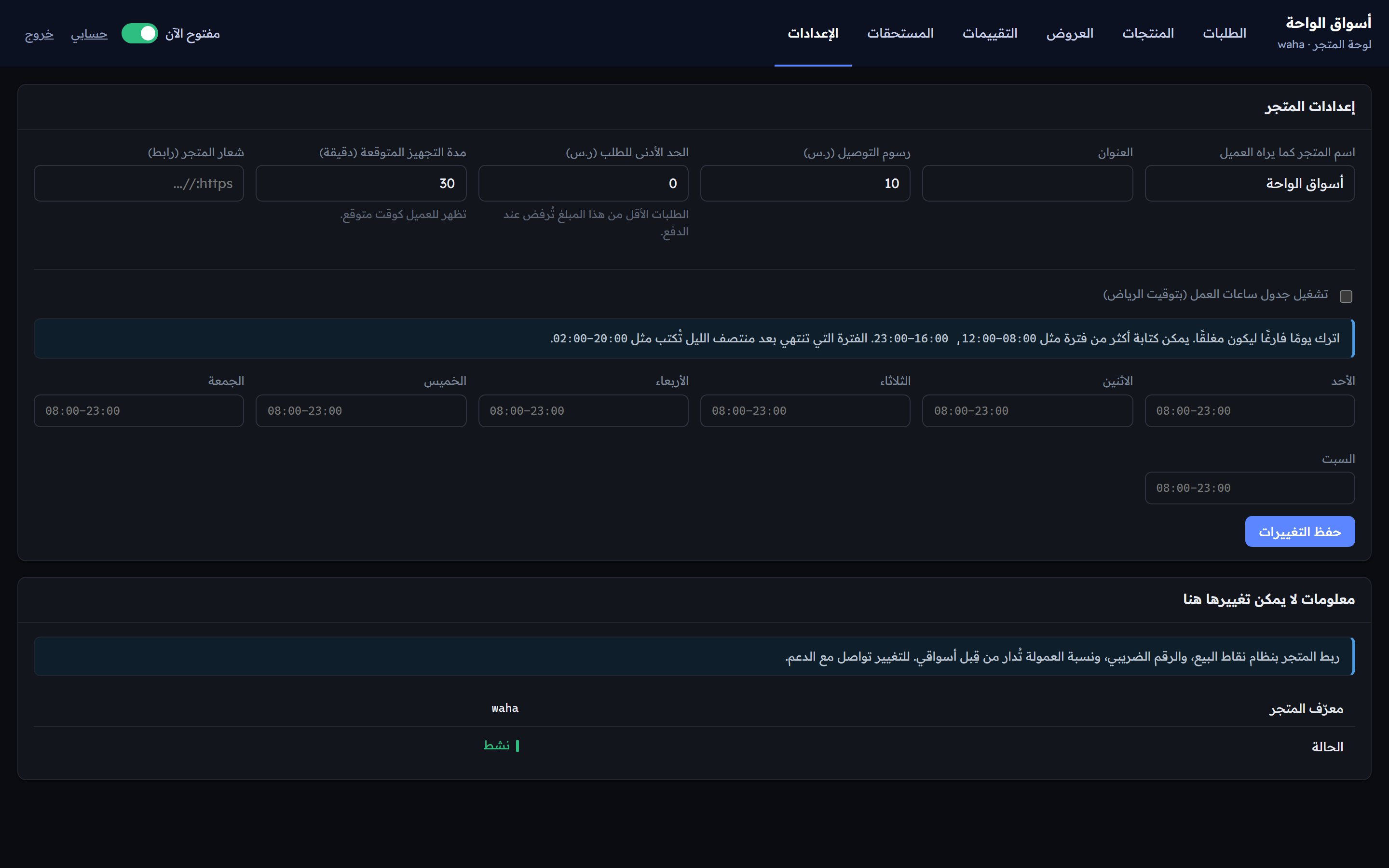
Merchant workspace
Orders first, noise out of the way.
The merchant workspace brings together incoming orders, preparation time, substitutions, catalog, offers, and settlements in Arabic or English.
This is a local demo environment. The retired customer and driver web pages are not linked here and are blocked in every persistent environment. Demo Android files are not Google Play releases.